You may want to delete an observation you've made. Keep in mind that when you delete an observation it cannot be brought back, and you are deleting any identifications, comments, annotations, or contributions from the community that are part of the observation. If the observation was in GBIF, it will also be removed from GBIF with one or two weeks. So only delete an observation if it's necessary.
TABLE OF CONTENTS
iNaturalist App for iPhones
- On the Edit Observation Page, tap on the three dots in the upper right-hand corner
- Select "Delete Observation"
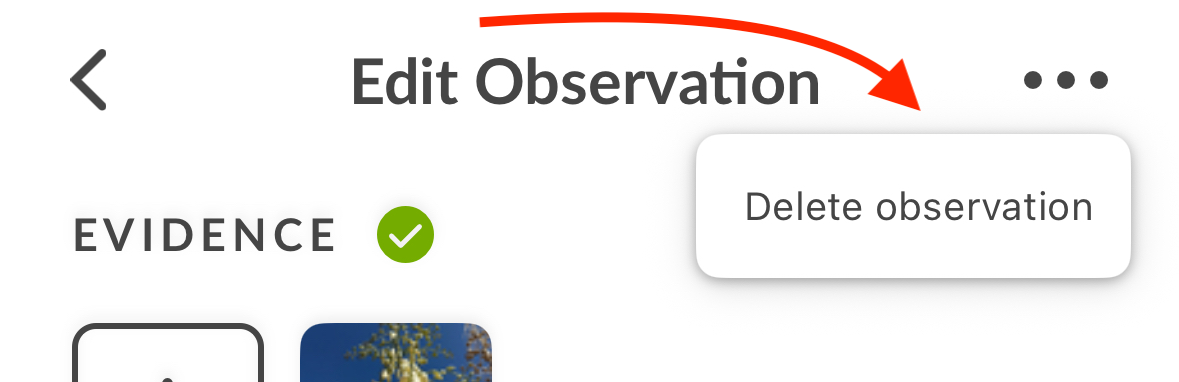
- Confirm your deletion request
iNaturalist App for Android
- Tap on the observation you want to delete.
- Tap on the pencil icon in the upper right-hand corner of the screen to edit the observation.

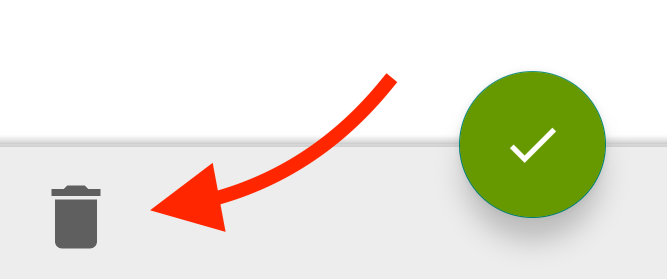
- Tap on the trash icon in the lower left-hand corner.
iNaturalist Classic App
- Tap on the observation you want to delete.
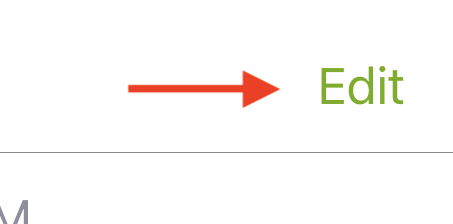
- Tap on Edit in the upper right-hand corner to edit the observation.
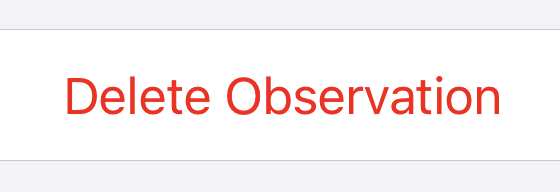
- Scroll to the bottom of the Details page and you will see a "Delete Observation" option. Tap it to delete the observation
iNaturalist Website
- Go to the observation page of the observation you want to delete.
- In the upper right-hand corner, click on the down arrow next to the Edit button.
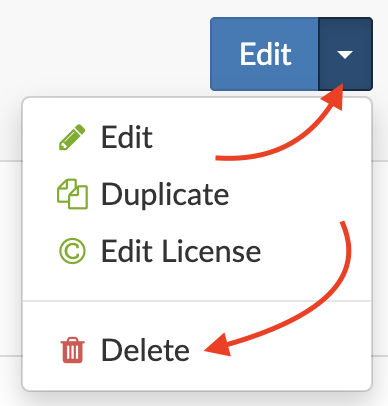
- Select the Delete option.
Was this article helpful?
That’s Great!
Thank you for your feedback
Sorry! We couldn't be helpful
Thank you for your feedback
Feedback sent
We appreciate your effort and will try to fix the article