It's possible to download an observation photo from the iNaturalist website. Make sure to abide by any license the photo has.
- Go to the observation page of the observation in question.
- If the observation has more than one photo, click on the thumbnail of the photo you want to download so that it appears in the media viewer.
- Click on the "i" icon under the photo to go to the photo's page.
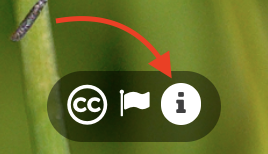
- On the photo's page, you'll see license and attribution information, in addition to any metadata taken from the photo when it was uploaded to iNaturalist. These metadata are removed from the images hosted on iNaturalist.
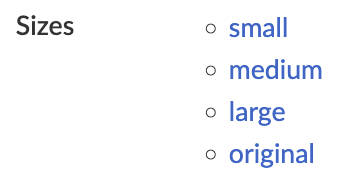
- Under "Sizes" click on the size you want to download: small, medium, large, or original. Note that "original" may not be the original size of the photo, all large photos on iNaturalist are resized so that the longest edge is 2048 pixels long.
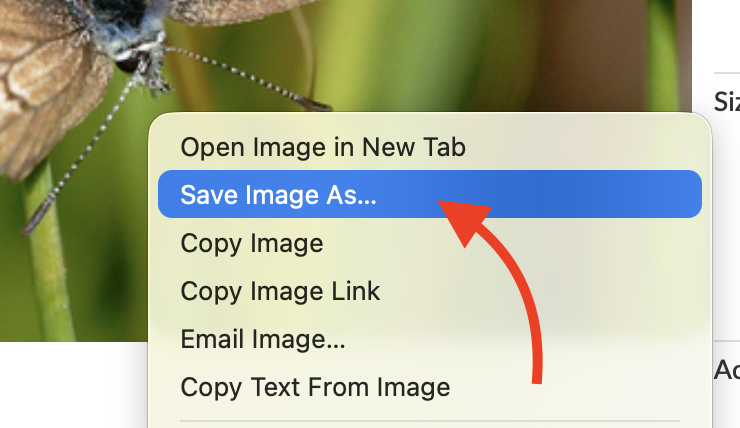
- Right click on the photo and choose to save it to your device.
Was this article helpful?
That’s Great!
Thank you for your feedback
Sorry! We couldn't be helpful
Thank you for your feedback
Feedback sent
We appreciate your effort and will try to fix the article